
macOS · Affiliate data sync · Coupon warehouse · v0.1.0
Self-hosted affiliate & coupon database client for macOS
The same PyQt6 desktop experience as our Linux build, delivered as a signed-ready .dmg - mirror normalized programmes into your SQLite or MySQL environment without living only in a hosted dashboard.
Authenticate with your Feedico workspace token, run manual or scheduled sync, browse merchants and coupons locally, and export CSV - alongside the REST coupon API and WordPress plugin.
Direct download: https://feedico.io/downloads/feedico-client-0.1.0-macos.dmg
Native Mac workflow
Drag-to-Applications install story publishers expect - no Docker shim required for daily use.
Self-hosted mirror
Keep a durable local copy of merchants and coupons next to cloud API consumption.
Shared product model
Same normalized schema as Linux, WordPress sync, and the hosted JSON API.
Interface tour
Screens from the desktop affiliate client - assets match the Linux product page because the UI is the same cross-platform shell.
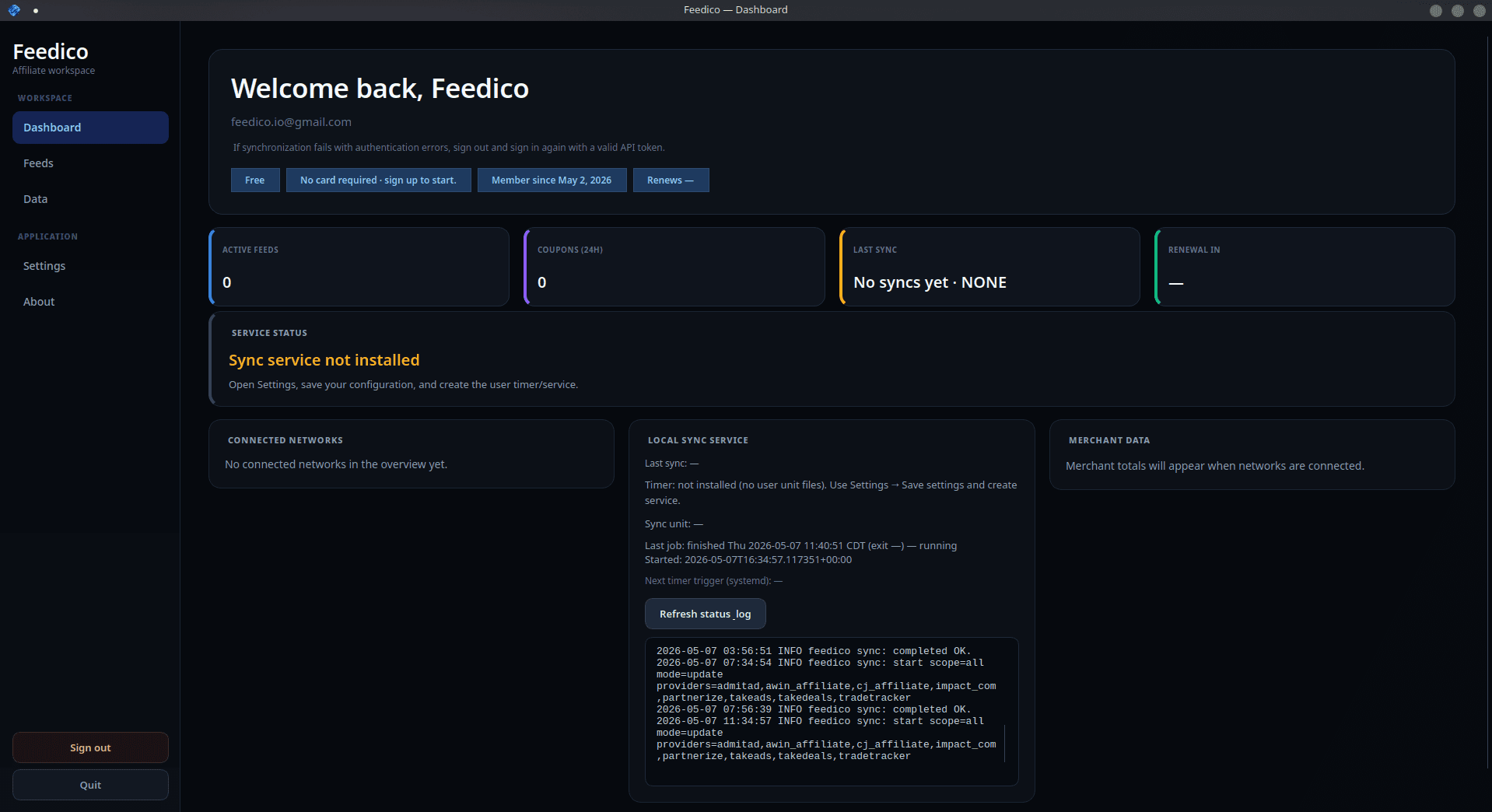
Affiliate dashboard & sync telemetry
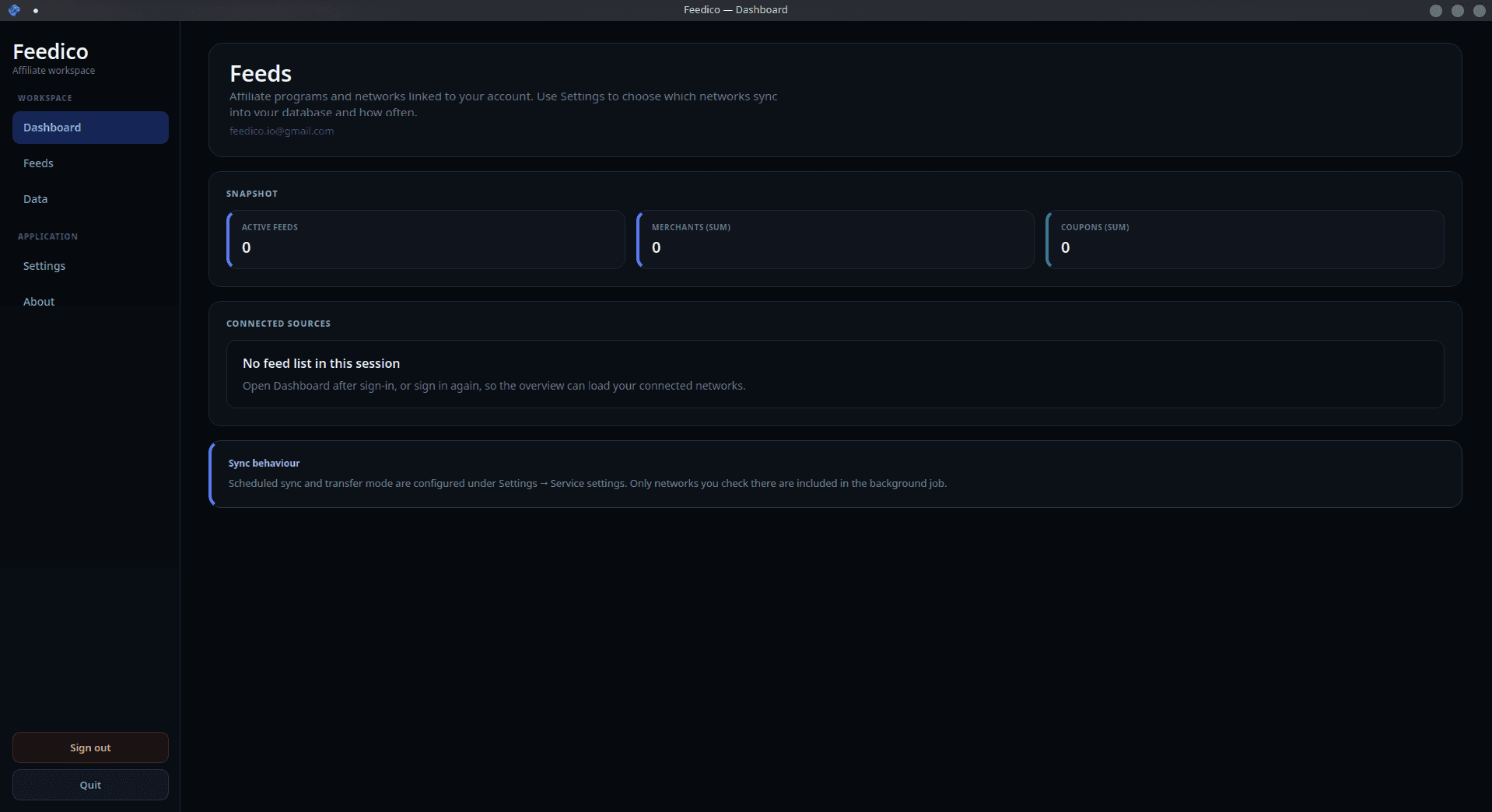
Network feeds & programs
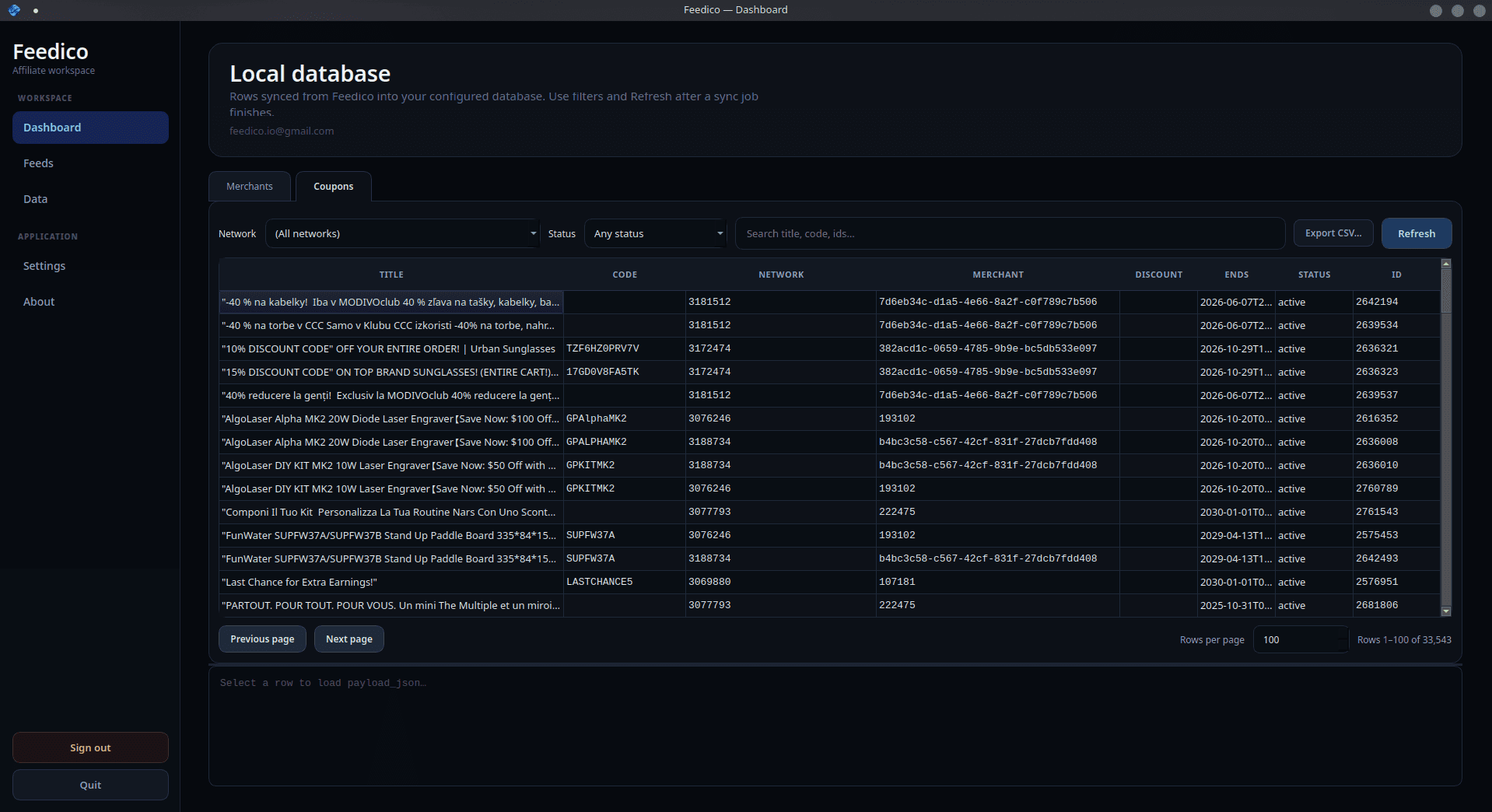
Local coupon & merchant database
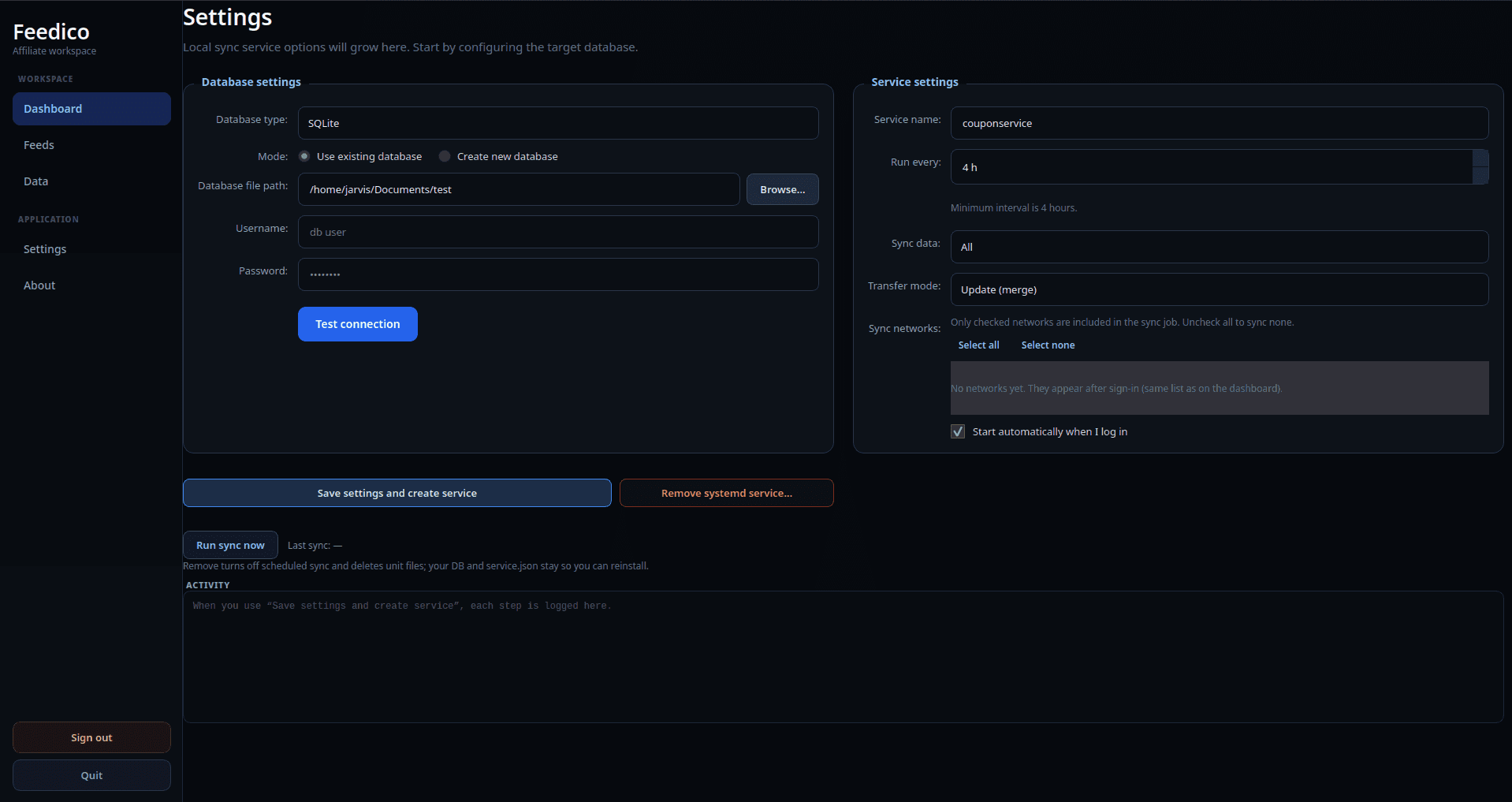
Sync service & database target
Install on macOS
- Download
feedico-client-0.1.0-macos.dmg. - Open the DMG and drag Feedico into Applications.
- On first launch, if macOS reports an unidentified developer, right-click the app → Open → confirm.
- Sign in with your Feedico API token (same as the dashboard) and choose SQLite or MySQL as your local target.
Requirements: Python 3.10+ stack is bundled or documented in the package metadata inside the DMG. Prefer wired sync intervals for large workspaces to respect API quotas.
Frequently asked questions
What macOS versions are supported?Show answerHide
Apple silicon and Intel Macs running recent macOS releases (Ventura-era and newer are the tested baseline). If Gatekeeper blocks first launch, use right-click → Open on the app in Applications.
Does data still sync to a local database?Show answerHide
Yes - the same normalized merchant and coupon model as the Linux client: SQLite for a single-file mirror, or MySQL-compatible servers for shared analytics.
Should I use the REST API or the desktop app?Show answerHide
Use the hosted Feedico API for automation and integrations; use the desktop client when you want a durable local warehouse, CSV exports, and an operator-focused UI.
Is Windows available?Show answerHide
Not yet - Windows builds remain on the roadmap. Linux and macOS desktop clients are available today alongside the WordPress plugin and REST API.
Prefer Linux or automation instead?
Grab the Debian package or call the REST API - same workspace, different runtime.